SlimSync
A mobile app for counting calories: a food diary, a weekly planner and a seven-step quiz that sets the daily goal.
An app for tracking what you eat
SlimSync helps people keep track of what they eat. They log meals in a food journal, watch calories and nutrients add up through the day and spot patterns in their habits. The aim was an app simple enough to open after every meal.
- A
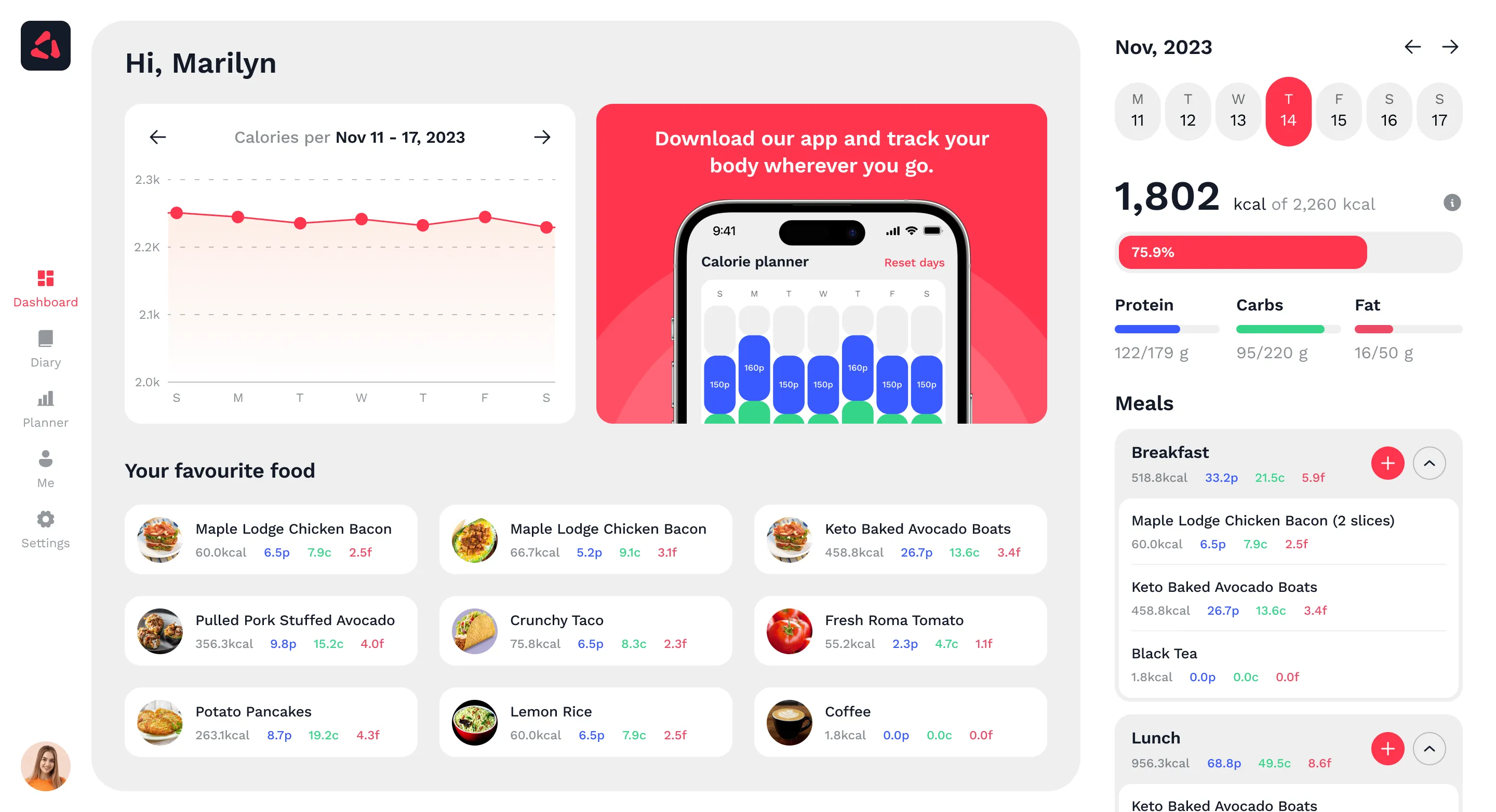
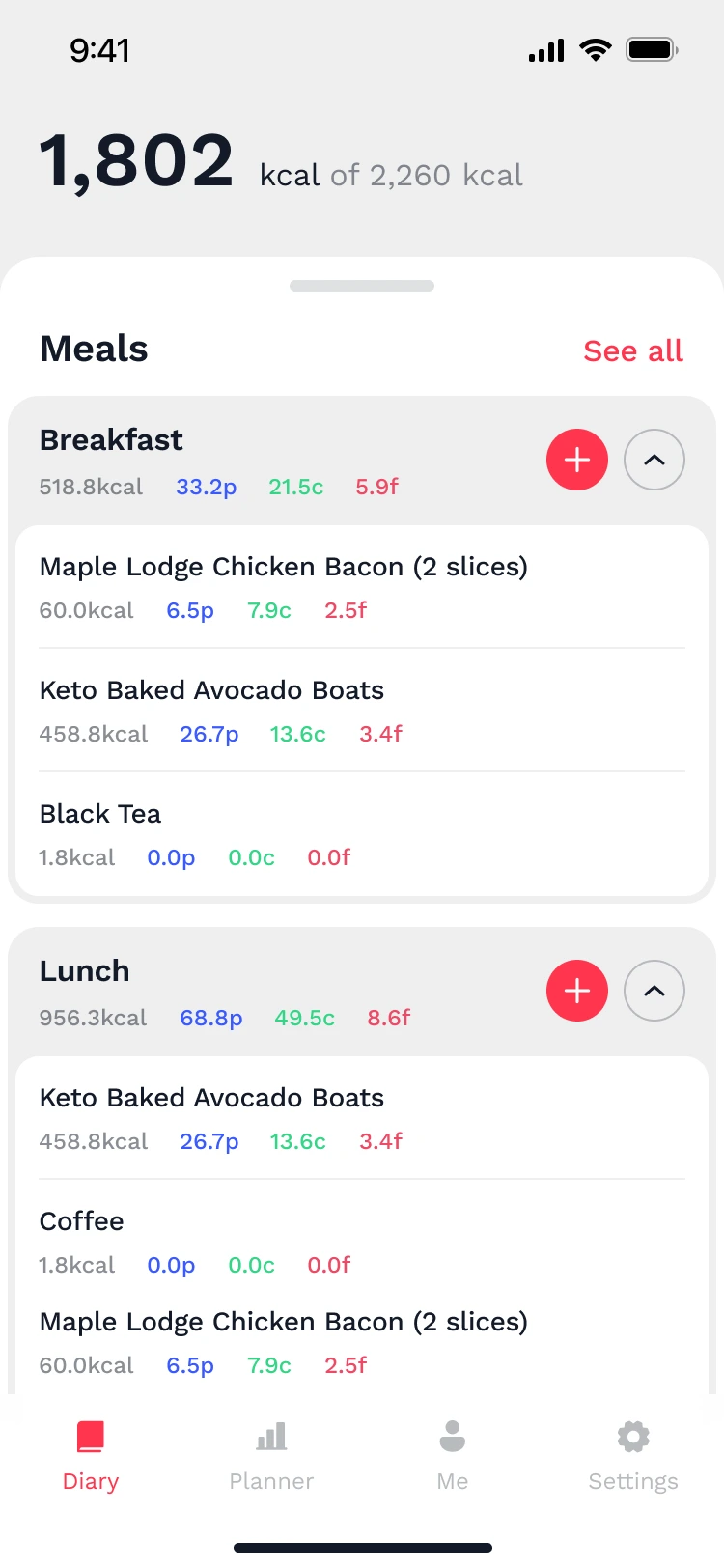
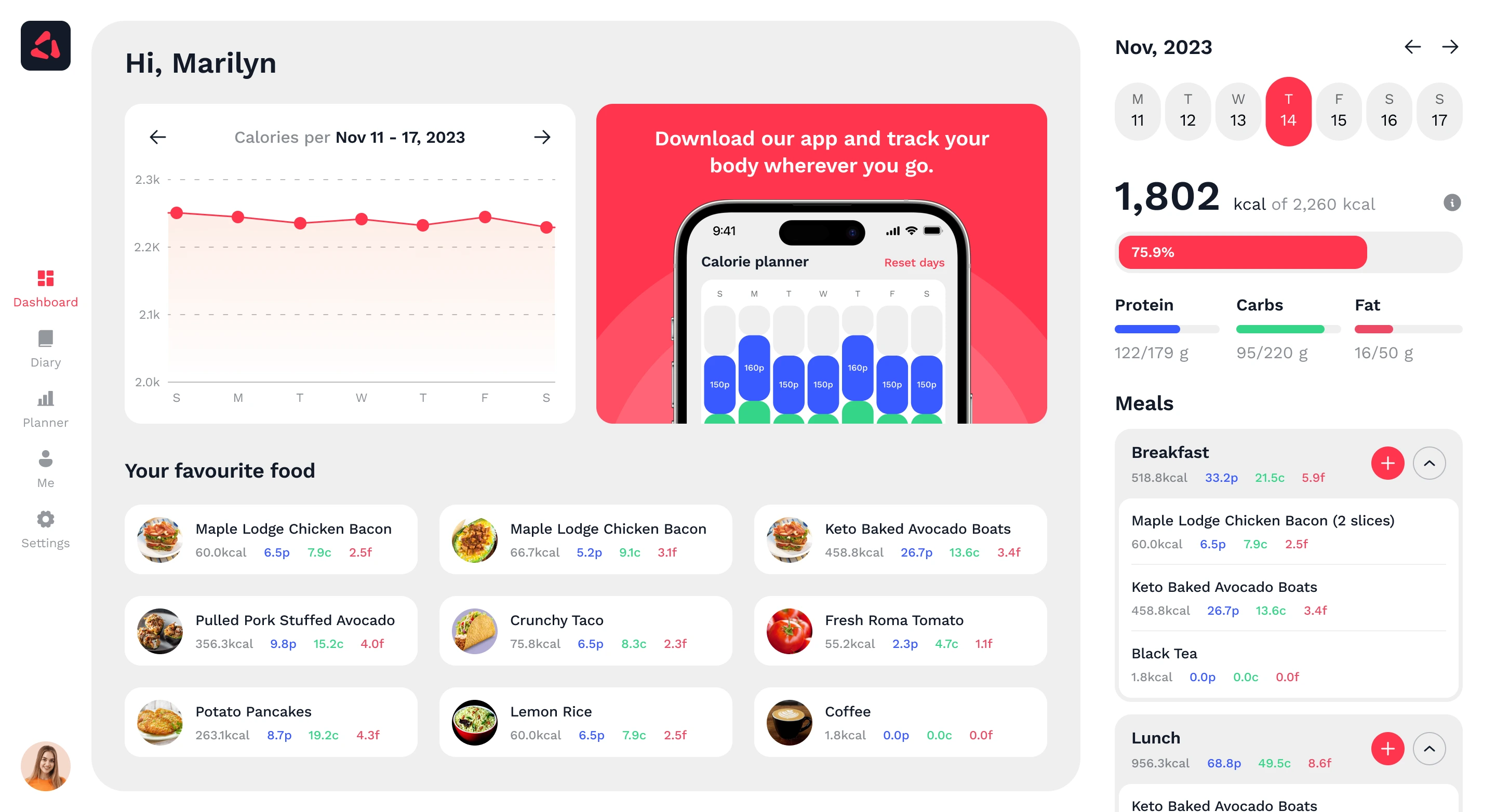
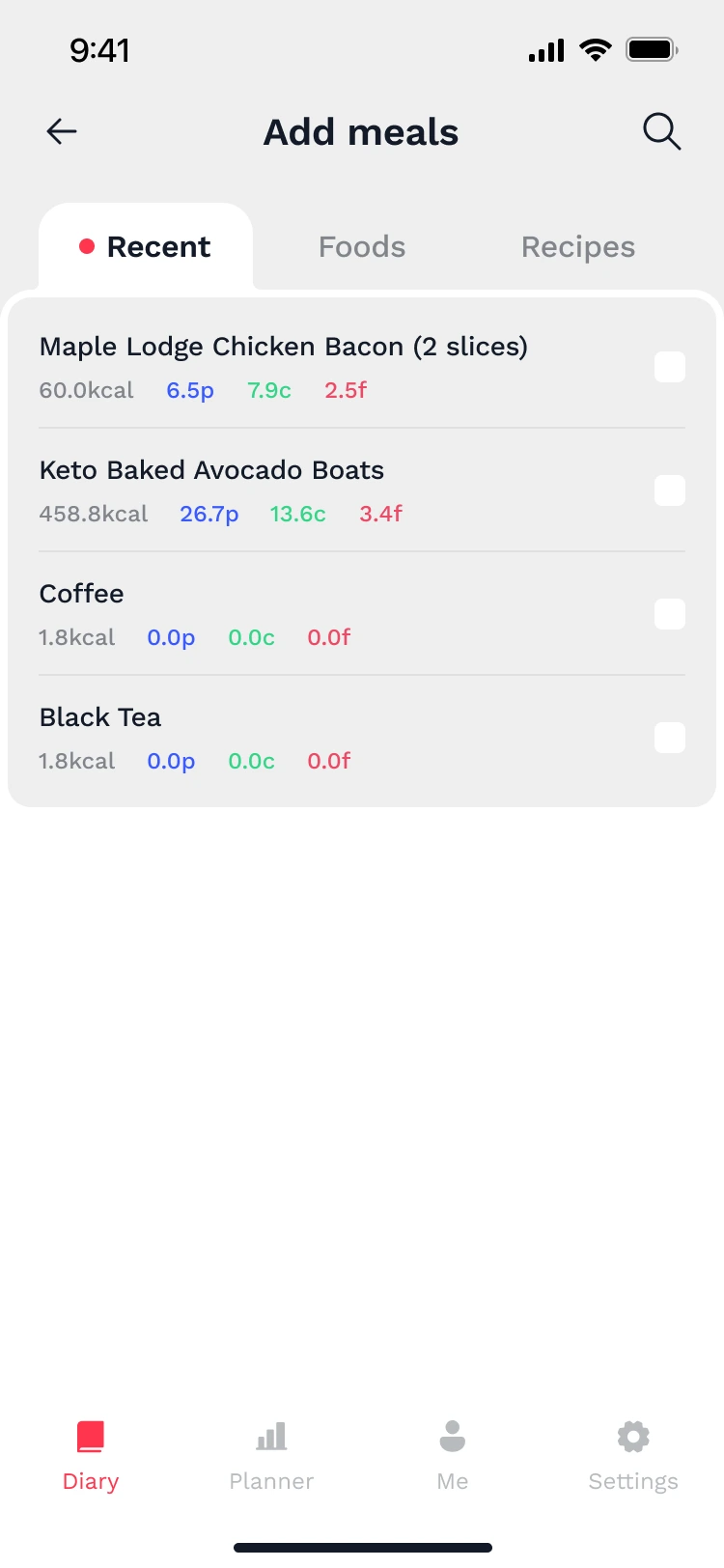
Meals are grouped into breakfast, lunch and dinner. Each group has an add button and shows its calories and macros on one line.
- B
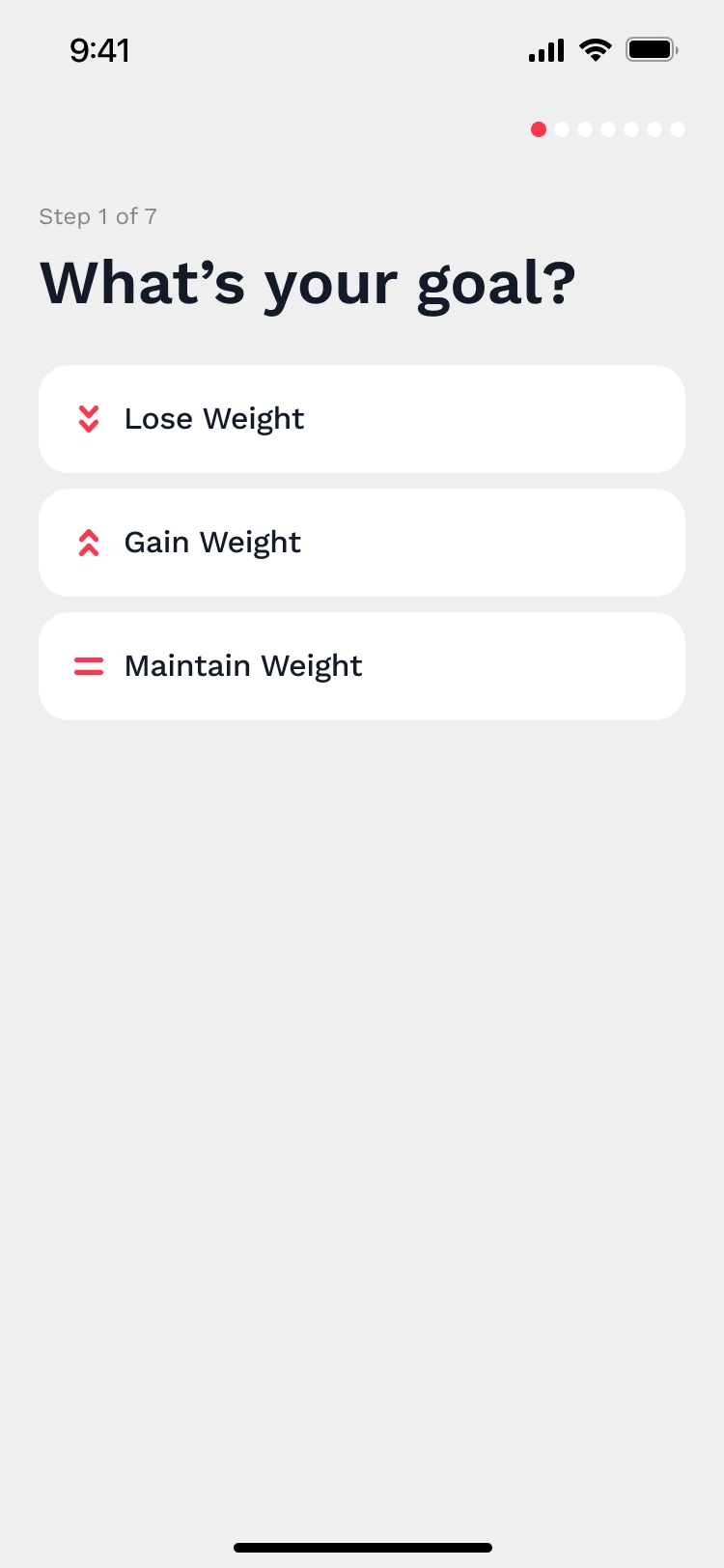
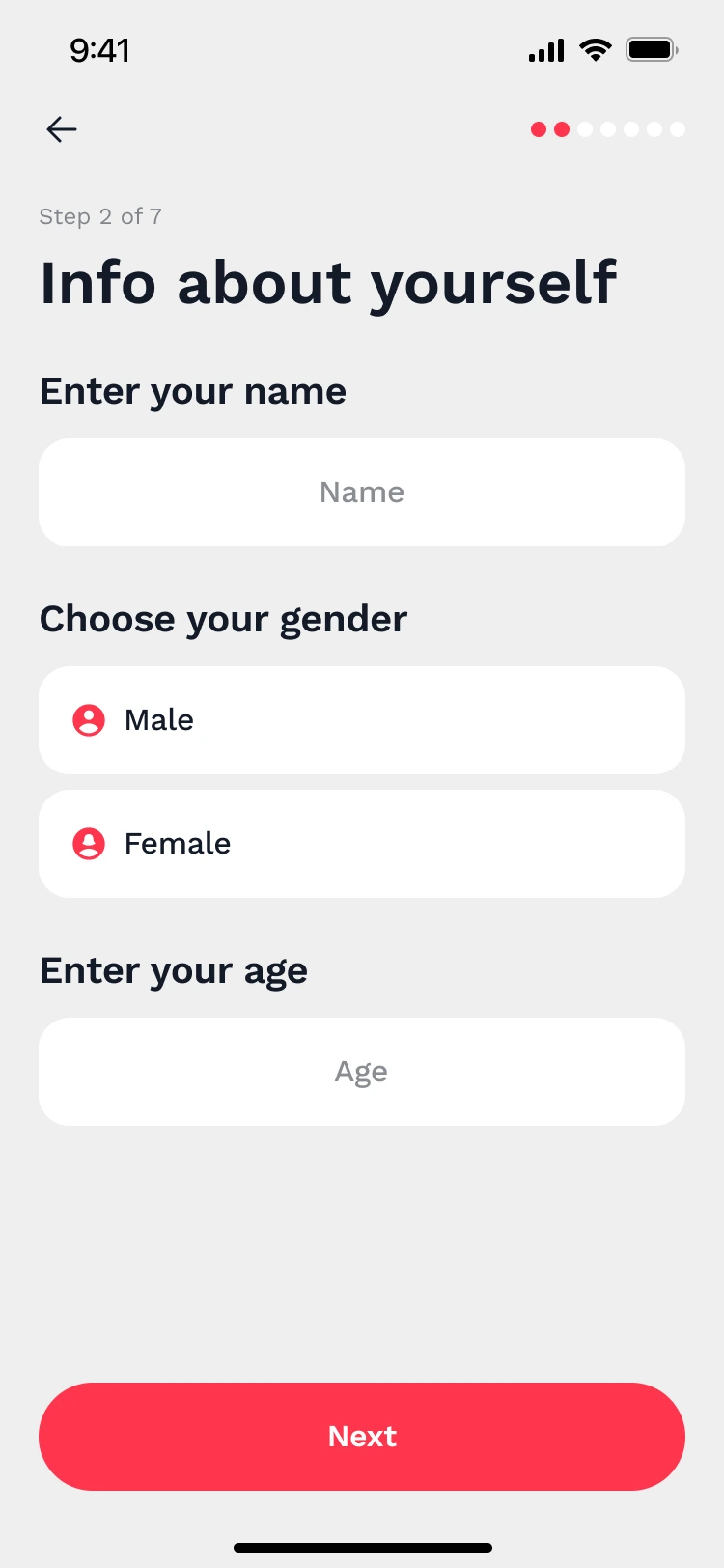
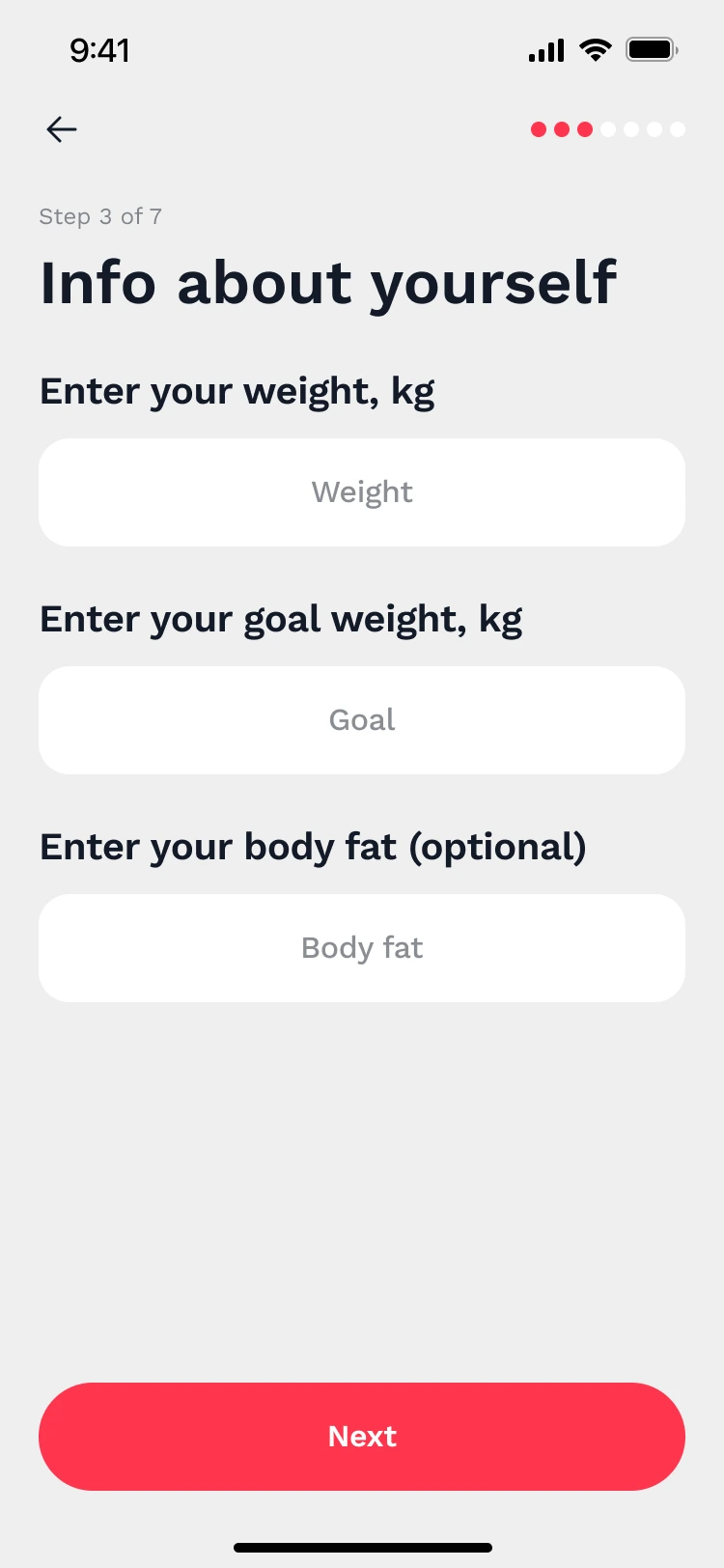
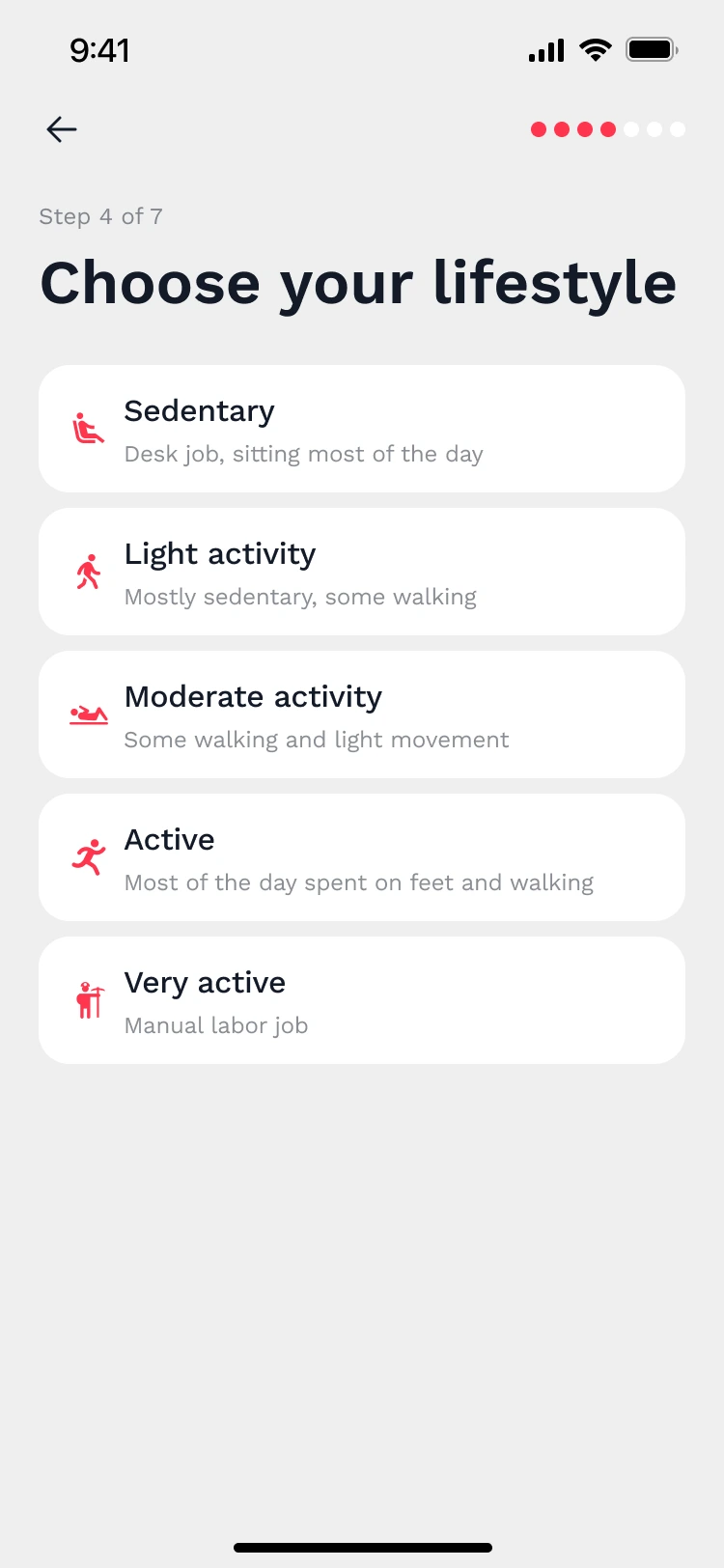
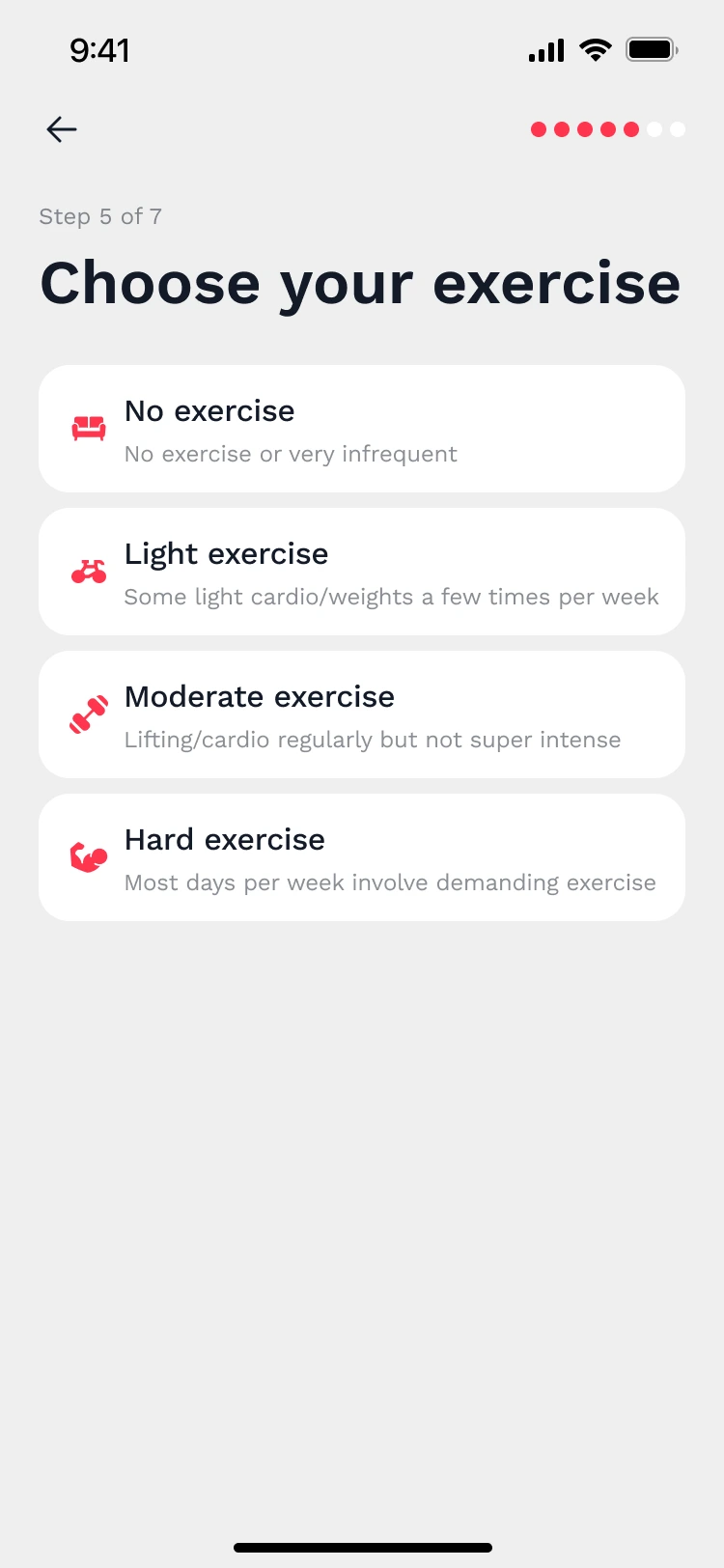
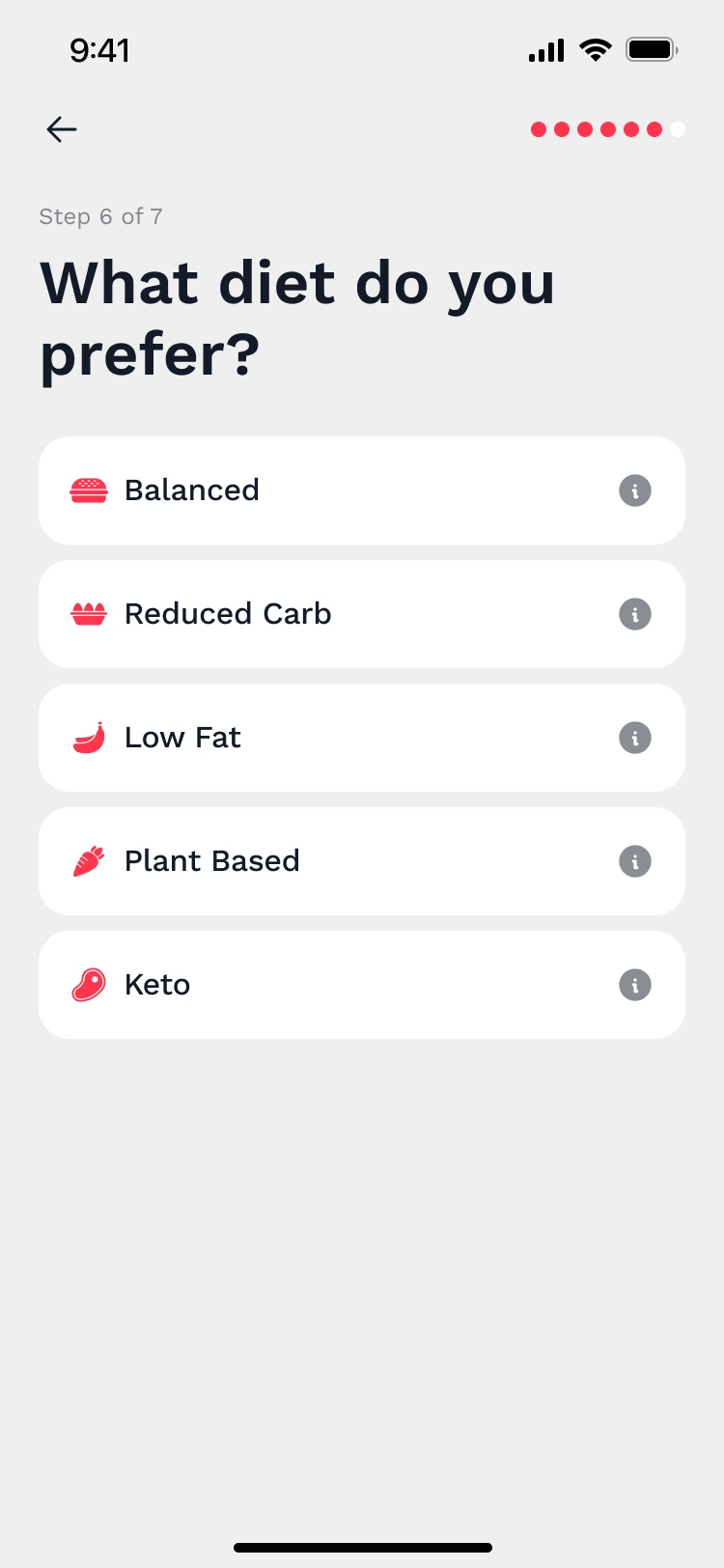
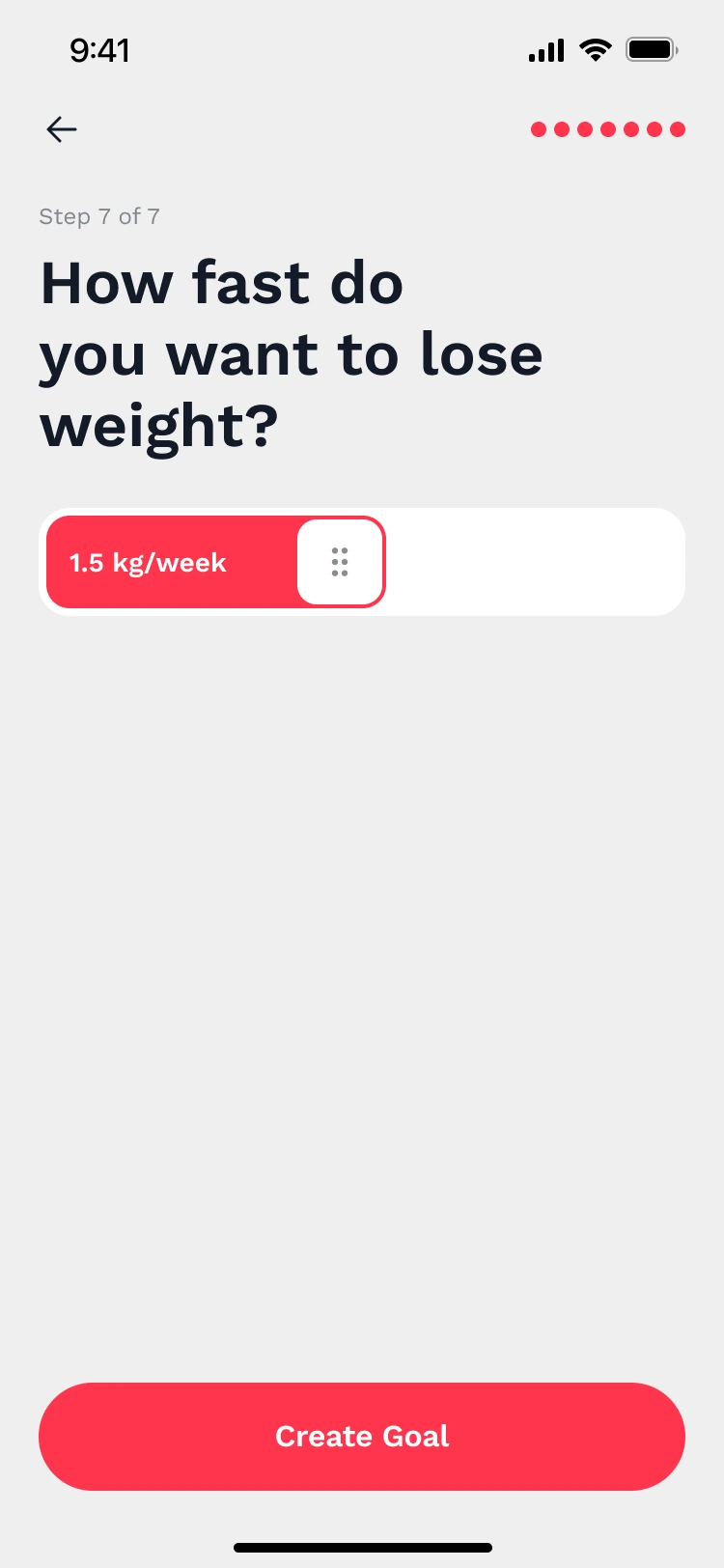
A seven-step quiz asks about goal, body, lifestyle, exercise and diet, then works out the daily calories.
- C
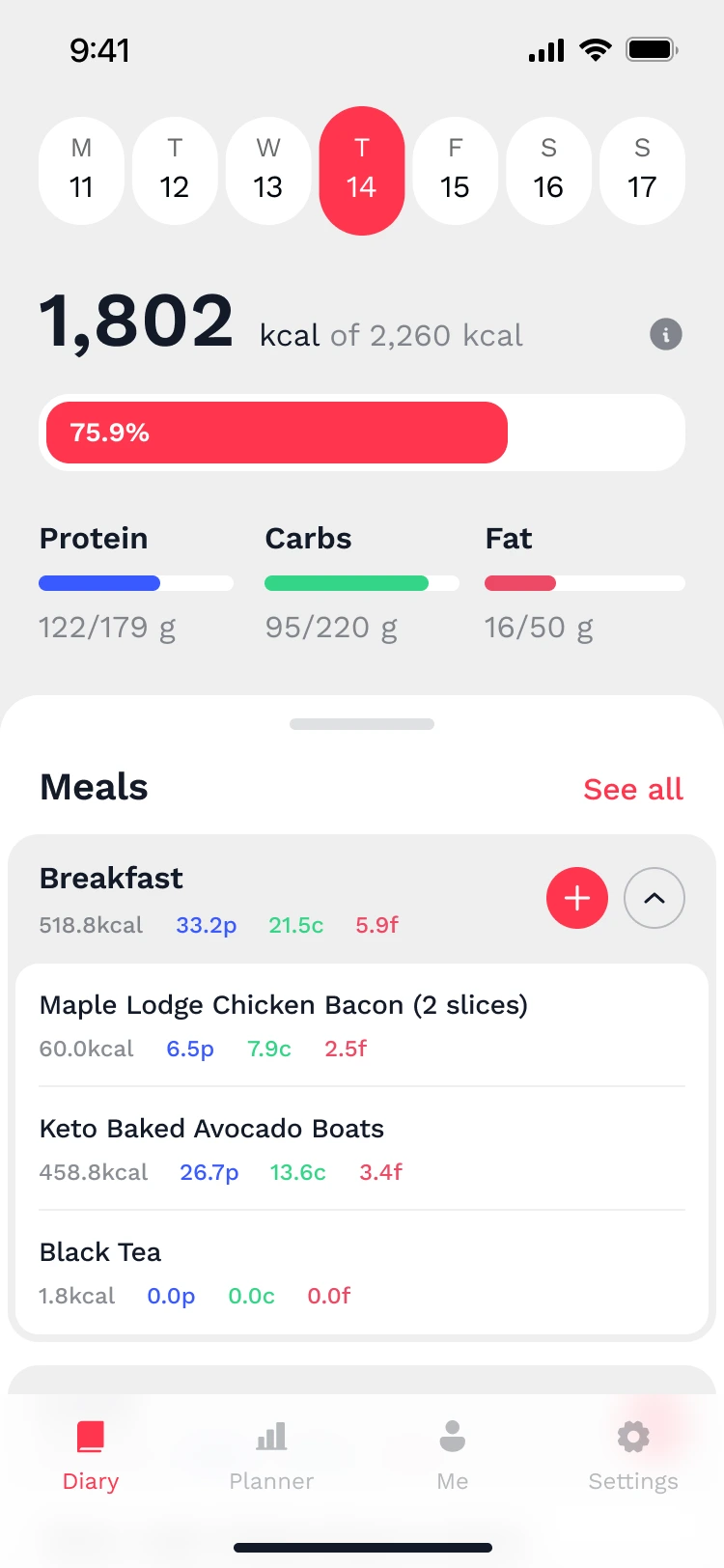
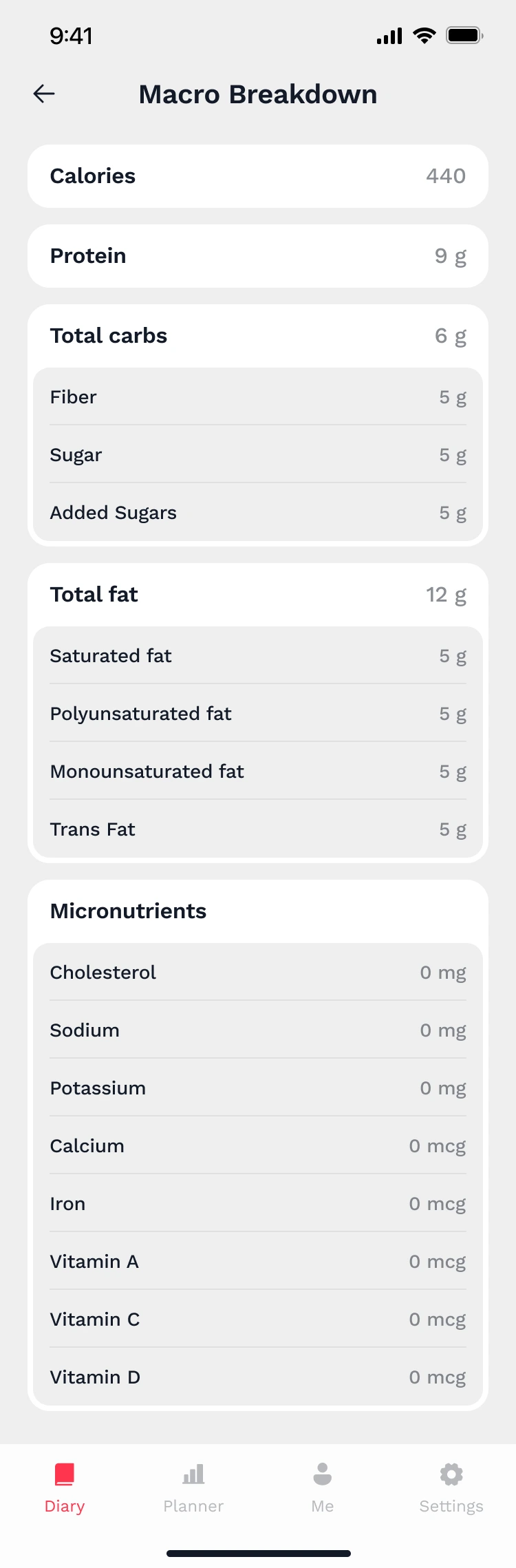
One big number for calories eaten, one bar for the daily goal and three small bars for protein, carbs and fat.
- D
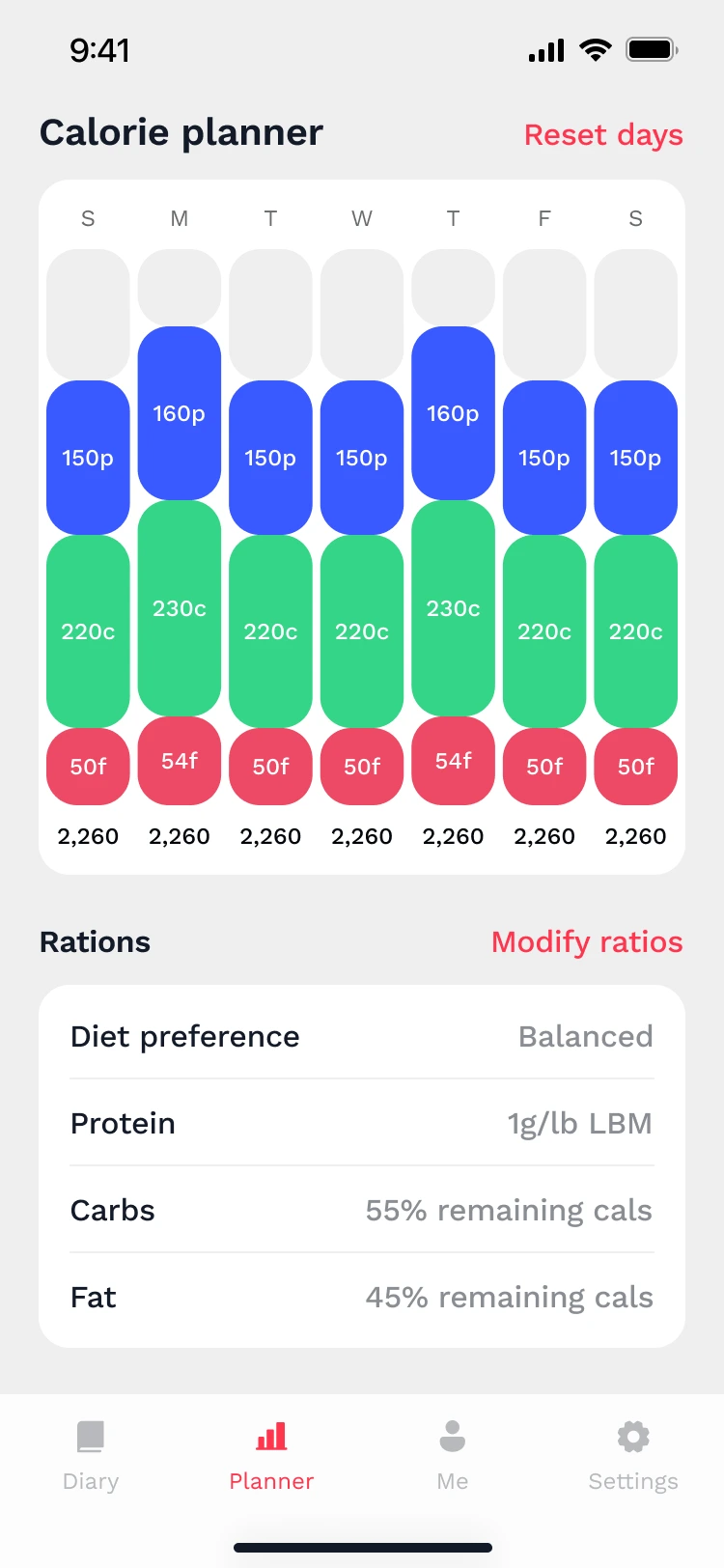
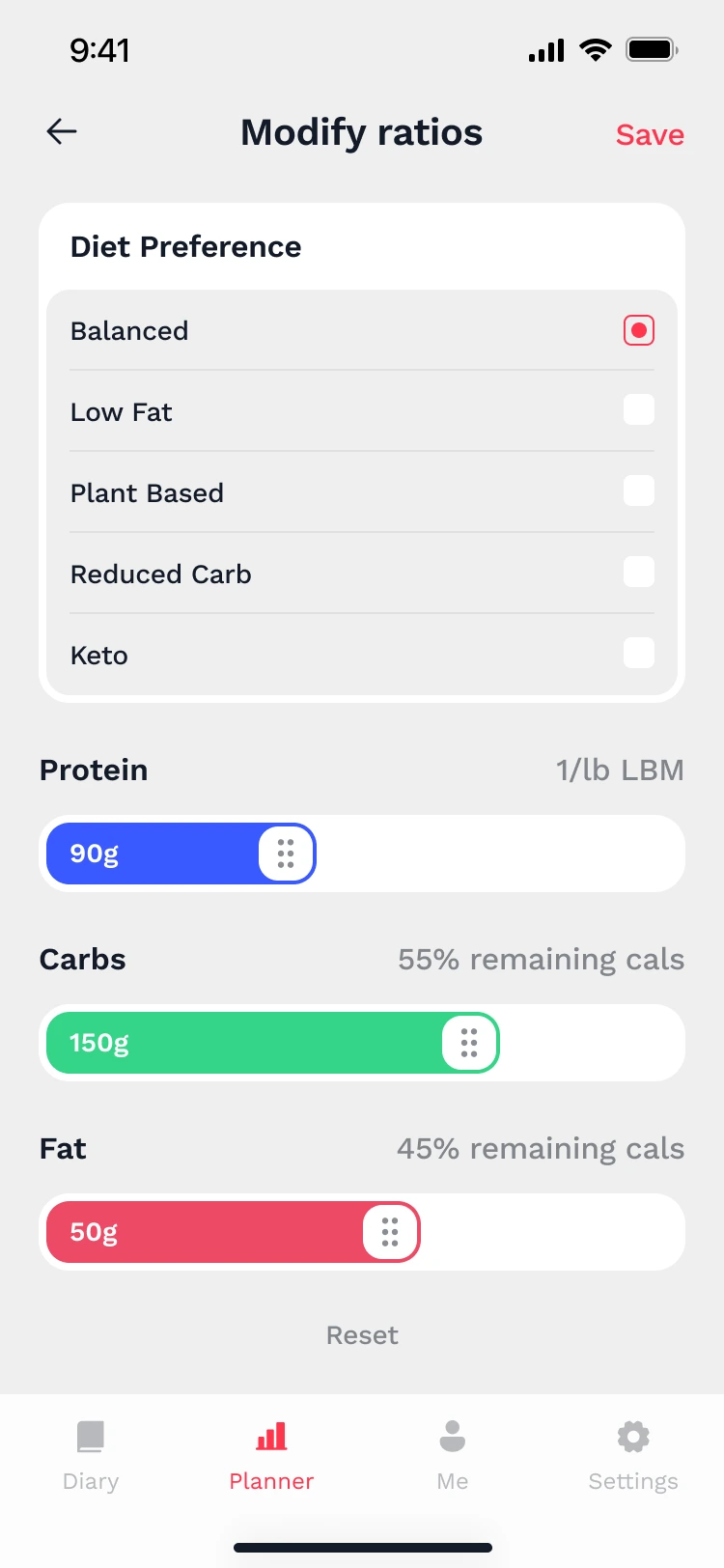
A weekly planner splits each day's calories into protein, carbs and fat, and the ratios can be changed.
One day, one screen
Calories, macros and meals can easily end up on separate tabs.
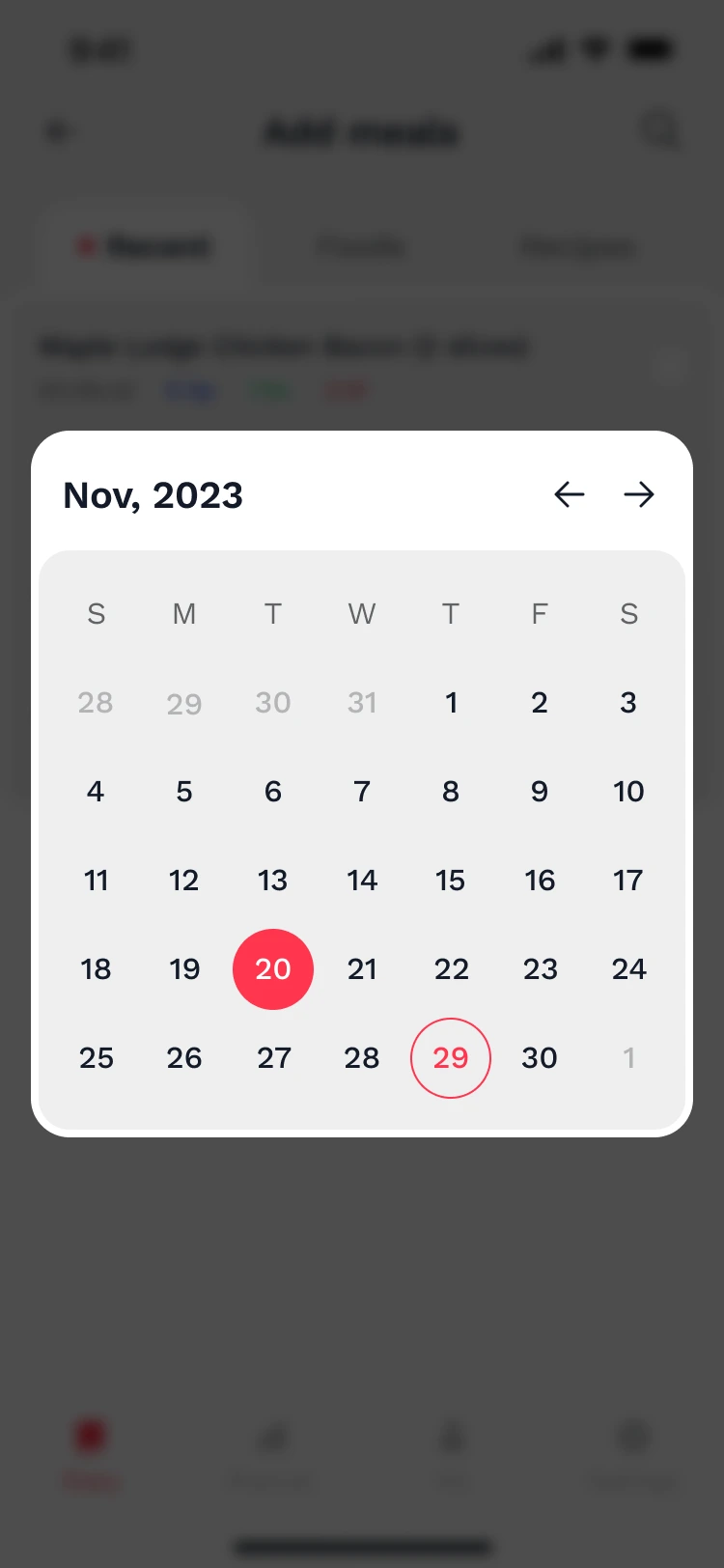
The diary opens with the week strip, the calorie total, the goal bar and the macros, with the meals right underneath.
A calorie goal needs a lot of input: goal, body, lifestyle, exercise and diet.
The quiz asks one question per screen and shows progress as a row of dots. The last step is a slider for how fast to lose weight.
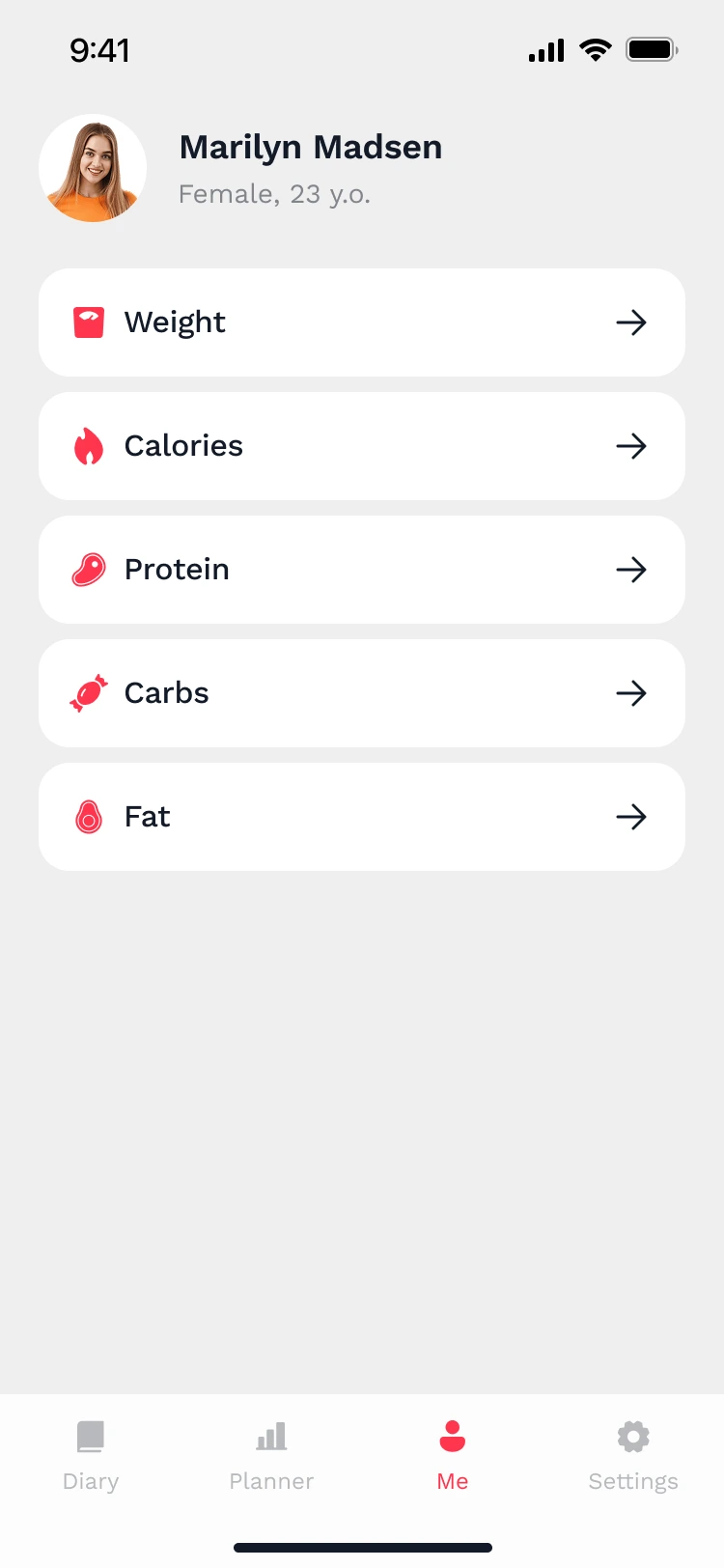
Protein, carbs and fat are easy to mix up in a list of numbers.
Protein is blue, carbs are green and fat is red on every screen, from the meal rows to the planner.
Sign-up screens can bury the one button a new user needs.
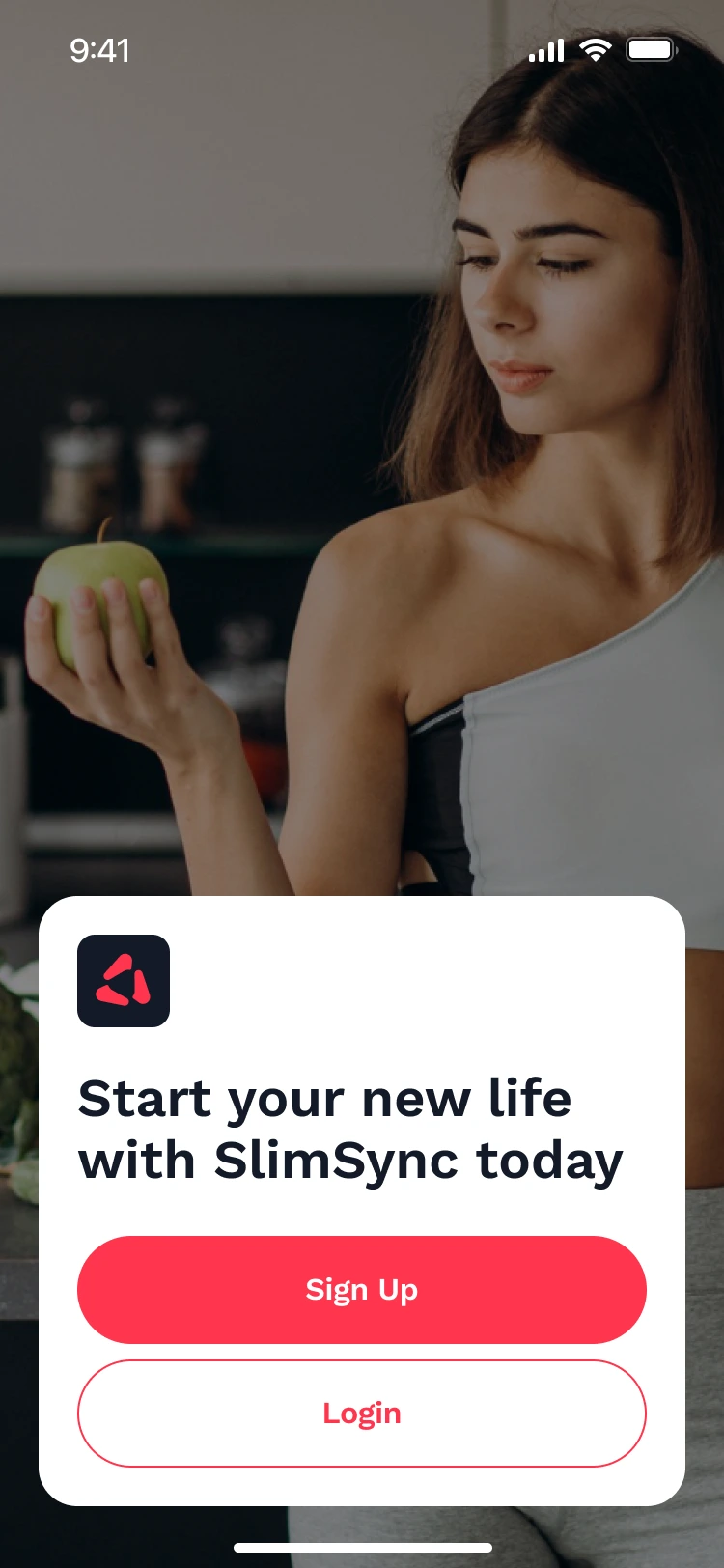
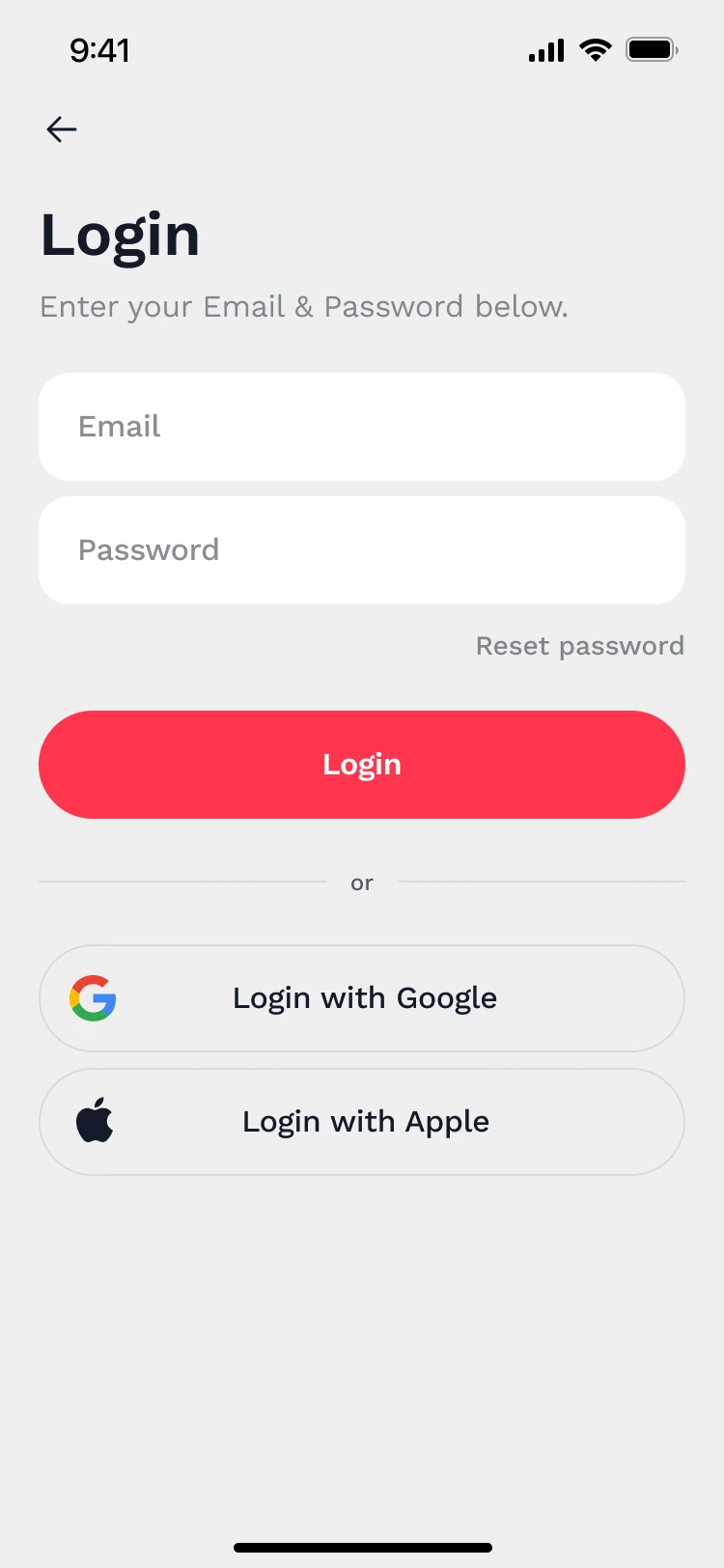
A welcome card over a photo has two buttons, Sign Up and Login. Login takes an email and password, or Google or Apple.
Red, ink and three macro colours
Red on near-black and light grey. Blue, green and a softer red are kept for protein, carbs and fat. Work Sans sets every label and number.
- HEX
- FF354D
- RGB
- 255 53 77
- CMYK
- 0 79 70 0
- Use
- Buttons, progress and highlights
- Name
- Fat red
- HEX
- ED4964
- RGB
- 237 73 100
- CMYK
- 0 69 58 7
- Use
- Fat in the macro bars
- HEX
- 121A27
- RGB
- 18 26 39
- CMYK
- 54 33 0 85
- Use
- Text and dark screens
- HEX
- 3959FF
- RGB
- 57 89 255
- CMYK
- 78 65 0 0
- Use
- Protein
- HEX
- 34D587
- RGB
- 52 213 135
- CMYK
- 76 0 37 16
- Use
- Carbs
- HEX
- EFEFF0
- RGB
- 239 239 240
- CMYK
- 0 0 0 6
- Use
- Screen background
- Work SansStart your new life with SlimSync today
From quiz to dashboard
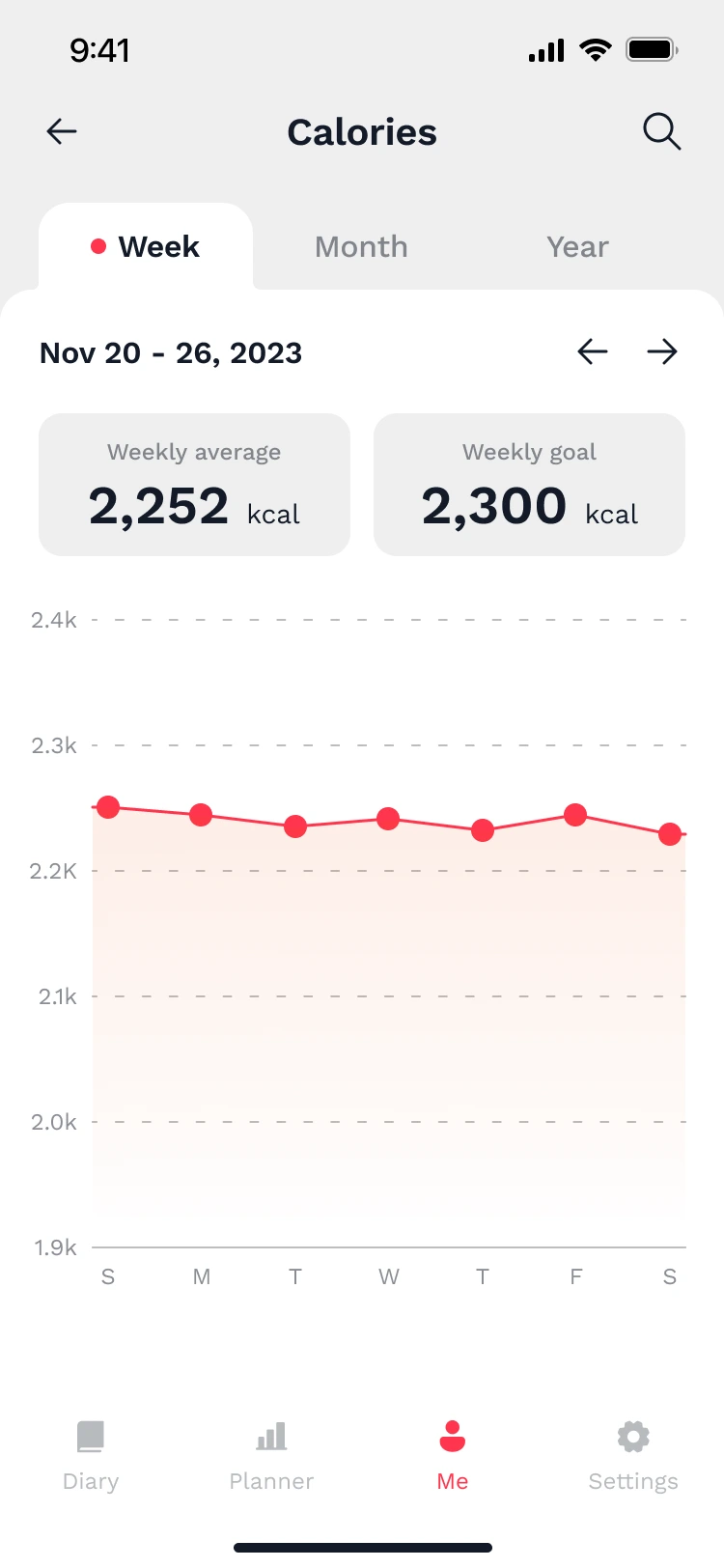
The case covers the whole app: the diary, planner, profile and charts, the seven-step quiz, the login screens and a web dashboard. Every meal row, button and chart is drawn once as a component and reused on each screen.